

Introduction

When traffic stalls, the LRT crawls, or you’re waiting for teh tarik, I reach for bite-size games that run straight from Google. No installs, no signup, just tap and play—perfect for saving data and time. This guide is my step-by-step, mobile-first walkthrough of games to play when bored on google, updated for 2025 trends and the latest Search tricks. I’ll keep it simple, lah—so you can jump in quickly, whether you’re on Android, iPhone, or a budget-friendly device.
Unleashing Joy and Adventure: Exploring Popular Google Doodle Games
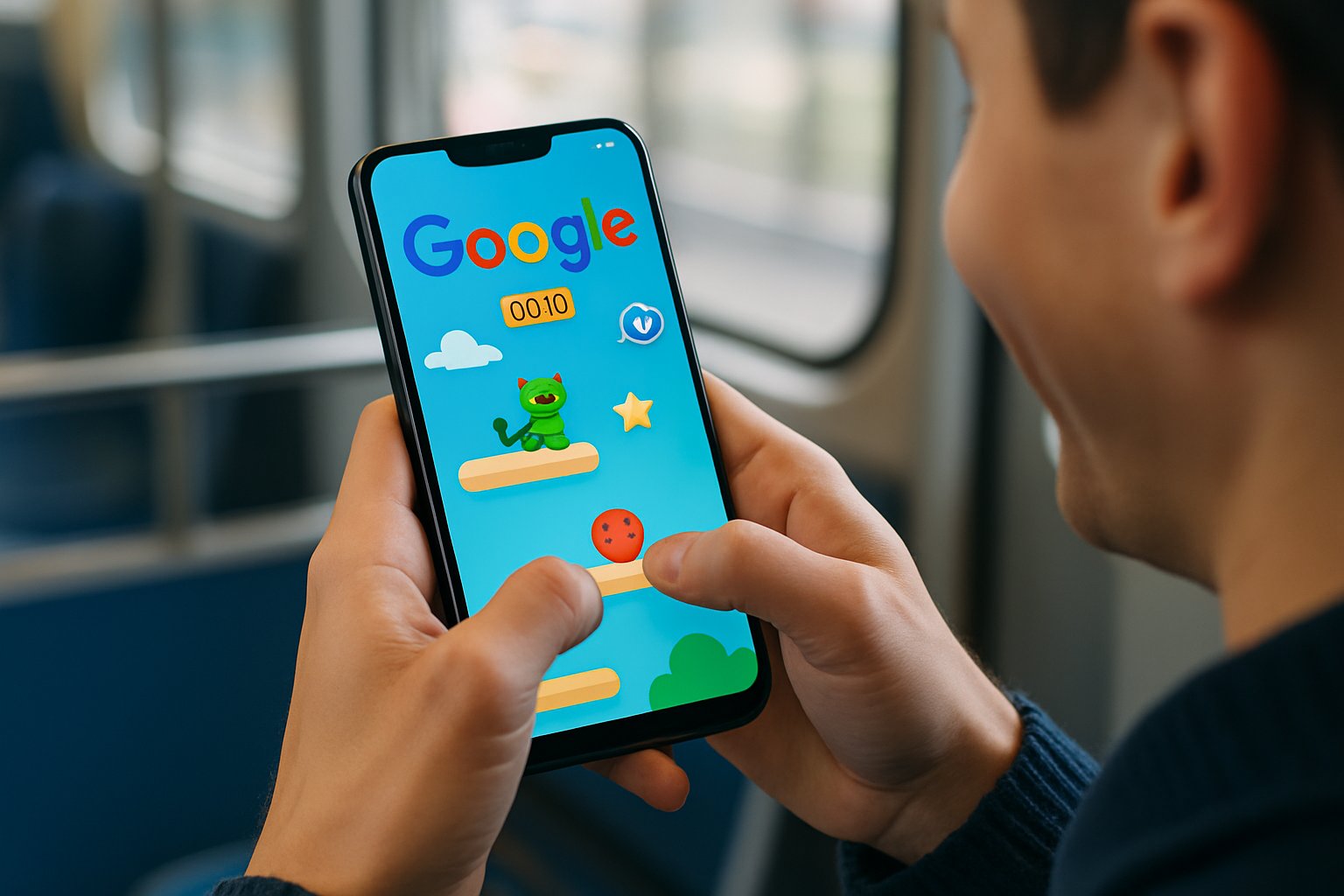
Google Doodles turn the homepage into a mini arcade, celebrating moments with playful, one-tap experiences. They’re light, run well on data-saving modes, and often come with sound-off options for commuting. If you miss one, many Doodles remain playable through their archive, so the fun doesn’t disappear. These games are perfect for discovering games to play when bored on Google, blending entertainment with cultural insights in a seamless way.
Interactive celebrations of events and figures
Doodles spotlight festivals, scientists, sports, and cultural icons with interactive play. I like how each game doubles as a tiny lesson, without feeling like homework. It’s quick joy with context—great for kids and adults alike. Plus, they often incorporate clever mechanics that make learning feel effortless and engaging.
Seasonal and thematic gameplay experiences
During festive seasons, you’ll find themed games that match the mood. The controls are simple, so even entry-level phones keep up. It’s a nice way to soak in the occasion while passing time. Many of these experiences update annually, keeping the content fresh and relevant for repeated visits.
Unleashing Hidden Google Games
Beyond Doodles, Google Search hides many instant-play classics and creative tools. Most launch by typing a keyword, then tapping the playable card. I focus on fast loading, offline options, and friendly controls for small screens. These hidden gems are ideal games to play when bored on Google, offering variety without any extra apps or commitments.
T-Rex Run: Your offline companion for endless running
Switch your phone to airplane mode and open Chrome to trigger the T-Rex. Tap to jump and avoid cacti and birds; it scales smoothly on any screen. It’s pure reflex fun that never needs data. As you progress, the speed increases, adding a layer of challenge that keeps you coming back for high scores.
Google Doodles: Celebrating with interactive games
Type “Google Doodles” to explore past playable Doodles anytime. Many run great on mid-range devices with minimal lag. I often revisit musical or sports Doodles for quick breaks. The archive is easy to navigate, allowing you to filter by theme or year for personalized fun.
Pac-Man: Classic arcade maze challenge
Search “Pac-Man” and tap the playable result to start chomping. The swipe or on-screen controls are responsive, even on smaller phones. Retro vibes, modern convenience, no coins needed lah. Ghosts add strategic elements, making each maze navigation a thrilling pursuit.
Snake: Retro slithering fun
Type “snake game” to get a clean, colorful version with touch controls. It scales nicely, so accidental swipes feel forgiving. Quick rounds make it ideal between meetings. As your snake grows, the challenge intensifies, requiring precise maneuvers to avoid self-collision.
Solitaire: Timeless card sorting
Search “solitaire” and choose easy or hard for an instant game. Drag-and-drop feels natural on mobile, with snappy animations. It’s great for calming the mind after long calls. Winning requires patience and strategy, turning a simple card game into a rewarding experience.
Minesweeper: Strategic tile revelation
Type “minesweeper” and start revealing tiles with a tap. Flags are simple to place, and boards resize well for phones. It’s logic-forward fun that tests patience and planning. Mastering patterns helps you clear boards faster, building skills over time.
Tic-Tac-Toe: Simple grid-based showdown
Search “tic tac toe” to play versus AI or a friend. Difficulty settings make it suitable for kids and casual gamers. It’s over in minutes, perfect for quick breathers. Advanced AI can provide a real challenge, helping you improve your tactics.
Puzzle-solving: Brain-teasing challenges
Look for logic puzzle Doodles or daily puzzles surfaced in Search. These keep explanations short and learning curves gentle. They’re excellent warm-ups before deep work. Many puzzles refresh daily, ensuring new challenges to keep your mind sharp.
Strategy: Planning and tactics games
Google results often surface browser-based strategy minis with no download. I look for low-graphic options that won’t burn data. Think short scenarios that reward careful planning. These games encourage forward-thinking, making them great for developing decision-making skills.
Geography: Google Earth quizzes for world knowledge
Explore “Earth quiz” or geography challenges to test landmark knowledge. The visuals are light enough for mobile networks. It’s a fun way to “travel” when you’re stuck indoors. Questions vary in difficulty, allowing progression from basic to advanced trivia.
Language learning: Interactive vocabulary builders
On mobile, “Word Coach” sometimes appears beneath dictionary lookups. It’s multiple-choice, quick, and surprisingly addictive. Availability varies by region, but it’s worth checking. Regular play can significantly expand your vocabulary in an enjoyable manner.
Drawing with Quick, Draw!: AI-assisted sketching
Search “Quick, Draw!” and sketch objects while an AI guesses your doodle. Each round is under 20 seconds, so it’s super snackable. It works well with finger drawing on small screens. The AI’s feedback adds humor, making imperfect drawings part of the fun.
Music creation: Compose tunes with Google tools
Try “Chrome Music Lab” to play with rhythms and melodies. The interfaces are tap-friendly and visual, great for kids. You can create loops without knowing music theory. Experimenting with different instruments fosters creativity and can lead to unexpected musical discoveries.
Chess: Master the board against AI
Search “play chess” and look for in-browser boards to start fast. Choose AI difficulty, then drag pieces with smooth touch input. It’s a calm, strategic break that fits short windows. Learning openings and endgames through play enhances your overall strategy.
Sudoku: Number placement puzzles
Type “sudoku” to launch Google’s built-in puzzle with levels. Hints and undo make it friendly for beginners. It’s lightweight and easy on battery during commutes. Solving tougher grids builds logical thinking and pattern recognition skills.
“I’m Feeling Curious”: Random fact explorations
Search the phrase to get one-tap facts and follow-ups. It’s not a “game,” but it scratches the curiosity itch. I use it to reset my brain between tasks. Endless prompts ensure you’ll always find something new and intriguing.
“Google Gravity”: Playful physics simulation
Search for it and tap the playful simulation result. Watch elements fall as you drag them around the screen. It’s a quirky minute-long distraction, best on larger phones. The interactive nature sparks joy and demonstrates basic physics in a fun way.
Top 5 Instant Play Google Games
When I need speed and zero friction, these five launch the fastest. They’re easy to control on touch screens, behave nicely with low signal, and don’t demand logins. Here’s how I compare them at a glance, especially for mobile users in Malaysia. These selections stand out as top games to play when bored on Google, prioritizing quick access and engaging gameplay.
T-Rex Run: Dash through obstacles offline
Go offline, open Chrome, and tap the dinosaur to start. The one-tap jump keeps controls simple and reliable. It’s perfect during flight taxiing or patchy coverage. High scores motivate repeated plays, turning downtime into competitive fun.
Google Doodles: Event-specific interactive fun
Tap into Doodles from Search to replay favorites anytime. Themes vary, but controls remain friendly and intuitive. I revisit music and sports Doodles for quick joy. The educational twist adds value beyond mere entertainment.
Pac-Man: Navigate mazes and eat dots
Search and hit Play for familiar maze-chasing action. Swipes translate well, even on compact screens. Retro charm, modern convenience—win-win lah. Power pellets introduce exciting reversals, keeping the gameplay dynamic.
Snake: Grow by collecting food
Launch via “snake game” and choose a map or speed. It’s forgiving enough for cramped train rides. Short sessions keep it from becoming a time sink. Custom modes allow personalization for added replayability.
Solitaire: Arrange cards in descending order
Start from Search and pick your difficulty instantly. Drag-and-drop feels satisfying on responsive screens. Great for a mindful five-minute reset. Variations like Klondike add layers to the classic formula.
| Game | How to Launch | Offline? | Mobile-Friendly? |
|---|---|---|---|
| T-Rex Run | Offline in Chrome | Yes | Yes |
| Google Doodles | Search “Google Doodles” | No | Yes |
| Pac-Man | Search “Pac-Man” | No | Yes |
| Snake | Search “snake game” | No | Yes |
| Solitaire | Search “solitaire” | No | Yes |
If you’re deciding between them, consider whether you need offline play, fast loading, or quick rounds. The table above helps you compare at a glance. It keeps your choice practical and saves time. Transitioning smoothly from one game to another can enhance your overall boredom-busting routine.
Engaging Puzzle Games on Google
Puzzle games sharpen focus without heavy graphics or loud effects. They’re gentle on battery and don’t hog data, perfect for daily commutes. I pick ones with clear rules and short levels. These are excellent games to play when bored on Google for those seeking mental stimulation.
Puzzle-solving: Riddles and logic challenges to sharpen your mind
Search for daily puzzles or logic Doodles to get started. Many include hints that teach strategy without frustration. Small rounds help you stop anytime, guilt-free. Over time, they improve problem-solving skills in everyday scenarios.
Educational Yet Fun Games on Google
When I want something productive, I turn to geography and language challenges. They sneak in learning while still feeling playful. Great for students and curious adults alike. Incorporating these into your routine can make idle time more enriching.
Geography: Google Earth quizzes to explore global landmarks
Look for Earth quizzes surfaced through Search or the Earth experience. The visuals are light, so mobile data usage stays modest. You’ll remember landmarks better after a few rounds. Interactive maps enhance retention and spark wanderlust.
Language learning: Tools for practicing new languages interactively
On mobile, try vocabulary cards like Word Coach when available. The questions adapt, keeping sessions fresh and engaging. It’s a quick way to build a habit. Progress tracking motivates consistent practice and measurable improvement.
Creative and Relaxing Games
Creative tools feel like a mini spa for the brain. They’re tactile and visual, perfect for phone screens. I use them to unwind after long meetings. These options provide a soothing escape among games to play when bored on Google.
Drawing with Quick, Draw!: Let AI guess your sketches
Draw with your finger and see if the AI guesses right. Rounds are short, so you never feel stuck. It’s surprisingly fun, even if your art is rojak. Sharing results online can connect you with a global community of doodlers.
Music creation: Experiment with sounds and rhythms
Explore rhythm, melody, and harmonies in simple, tap-first interfaces. Visualizers help you understand patterns without musical jargon. Save small loops to revisit ideas later. This tool democratizes music-making for all skill levels.
Games for the Strategist
Strategy games reward patience and planning, perfect for quiet time. I choose ones with clear boards and readable pieces on mobile. They suit both five-minute breaks and longer sessions. Dive into these for a deeper gaming experience on Google.
Chess: Strategic battles on the checkered board
Search to surface a lightweight board and set an AI level. Touch controls make piece movement precise and calm. It’s a satisfying mental workout without noise. Tutorials often accompany, aiding beginners in mastering the game.
Sudoku: Fill grids with logical number placements
Launch from Search and pick Easy up to Expert. Auto-check and hints keep frustration in check. It’s ideal when you want focus without pressure. Regular solving can enhance numerical reasoning and concentration.
Leveraging Google’s Search Fun
Sometimes I want micro-moments, not full games. Google’s playful search features scratch that itch instantly. They’re great for a quick laugh or a trivia spark. These lighter options complement the fuller games to play when bored on Google.
“I’m Feeling Curious”: Discover intriguing facts randomly
Type the phrase and tap through an endless fact feed. Each prompt is short and easy to digest. It’s perfect between tasks or during a kopi break. Surprising facts often lead to deeper explorations via related searches.
“Google Gravity”: Watch search elements fall playfully
Search and choose the physics-powered result for a quick chuckle. Drag pieces around and watch them tumble. It’s silly, lightweight, and kid-friendly. This feature highlights Google’s whimsical side in interactive form.
FAQs
New to these hidden gems? These beginner-friendly answers cover the basics so you can start fast, save data, and keep things easy on mobile. If you’re deciding which to try first, compare offline options and round length for your situation. This section addresses common queries about games to play when bored on Google.
What types of games can you play directly on Google?
You can play classics like Snake, Solitaire, Minesweeper, Tic-Tac-Toe, Pac-Man, and Sudoku directly from Search. You’ll also find seasonal Google Doodles and learning-friendly tools like Earth quizzes and Word Coach. Creative experiments like Quick, Draw! and music labs round out the mix. All these options ensure there’s something for every mood and interest.
Do you need to download anything to play these games?
No downloads are needed for the games surfaced in Google Search. Most run inside your mobile browser and load quickly, even on modest connections. Offline choices like the Chrome T-Rex work without internet at all. This setup makes them incredibly convenient for on-the-go entertainment.
How can you access hidden games on Google?
Type the game name—like “snake game,” “solitaire,” or “sudoku”—directly into Google on your phone. Look for the playable card at the top, then tap to start. For Doodles, search “Google Doodles” to replay many past games. Remembering these keywords streamlines access for future sessions.

